Skip to content
Follow us

Kommands.com

Latest Technology Topics and Solutions
  • Home
  • OS
    • Windows
      • Powershell
      • Command Prompt
  • Cloud
  • Programing
  • How To
  • AI Prompts

How to Fix High CPU Usage in Windows 10/11

February 5, 2023 Rahul S

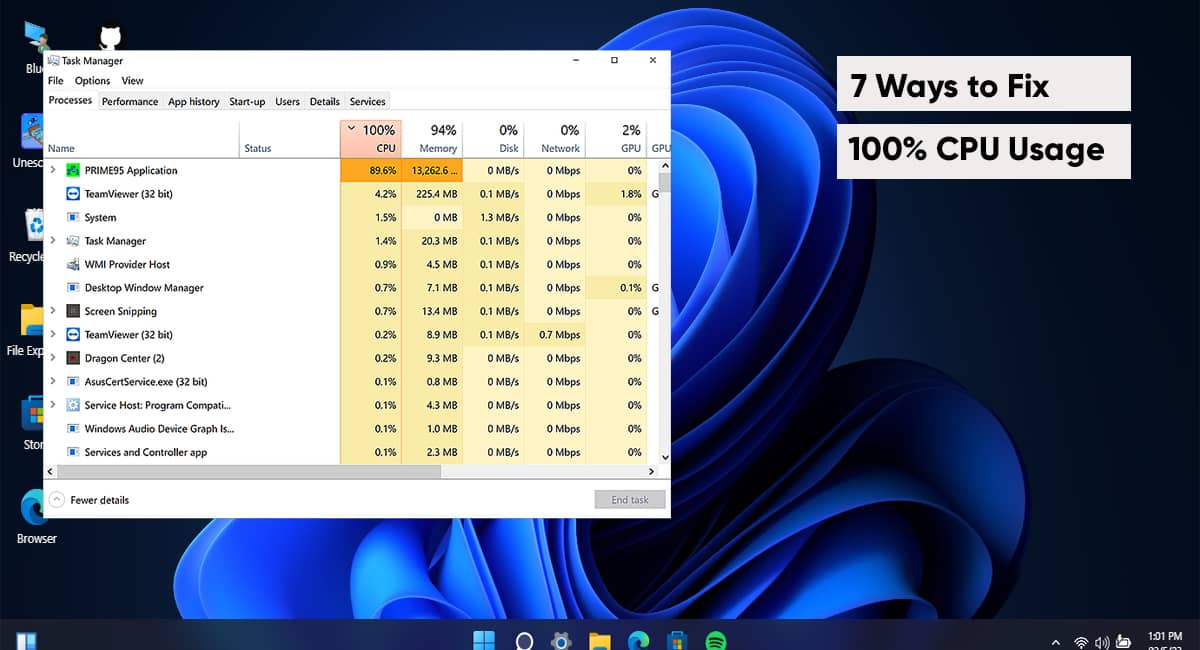
High CPU usage in the Windows 11 system can be frustrating. It hinders your…
Understanding Disk Partition Formats: A Comprehensive Guide

February 1, 2023 Kavya P

Overview A disk partition is a method of partitioning a hard drive or storage…

Understanding CPU Load: Monitoring and Optimizing System Performance

January 26, 2023 Harshita J

Overview The central processing unit (CPU), also known as the “brain” of the computer,…
Exploring Disk Cleanup Tools: Understanding the Pros and Cons

January 25, 2023 Charul R

Overview Maintaining a clean and organized disk is essential for keeping your computer running…

An Introduction to APIs and REST API: Understanding the Basics

January 23, 2023 Sali K

What is API? APIs, or application programming interfaces, facilitate interaction and the transfer of…

AI Budgeting Apps: Revolutionizing Personal Finance Management

January 23, 2023 Kommands

The way we manage our finances is quickly changing thanks to artificial intelligence (AI)….

Starlink: A Game-Changer for Disaster Relief and Emergency Communication

January 20, 2023 Kommands

Natural disasters like hurricanes, earthquakes, and floods can disrupt communications infrastructure, making it difficult…

Getting to Know AWS Lambda: Pros and Cons

January 20, 2023 Maria L

What is Lambda? Lambda is a serverless computing service offered by Amazon Web Services…

5G Technology: Transforming Industries and Shaping the Future of Business and Society

January 18, 2023 Kommands

Fifth-generation (5G) cellular network technology promises to dramatically improve our daily lives and our…
Online Threats: Phishing, Spoofing, Spamming, and Scamming

January 16, 2023 Kommands

Overview: As our reliance on technology grows, it is crucial that we are informed…

Exploring the Pros and Cons of Using AirTags and Similar Tracking Devices

January 10, 2023 Kavya P

Apple’s coin-sized AirTags may be attached to practically anything, including keys, wallets, and purses….
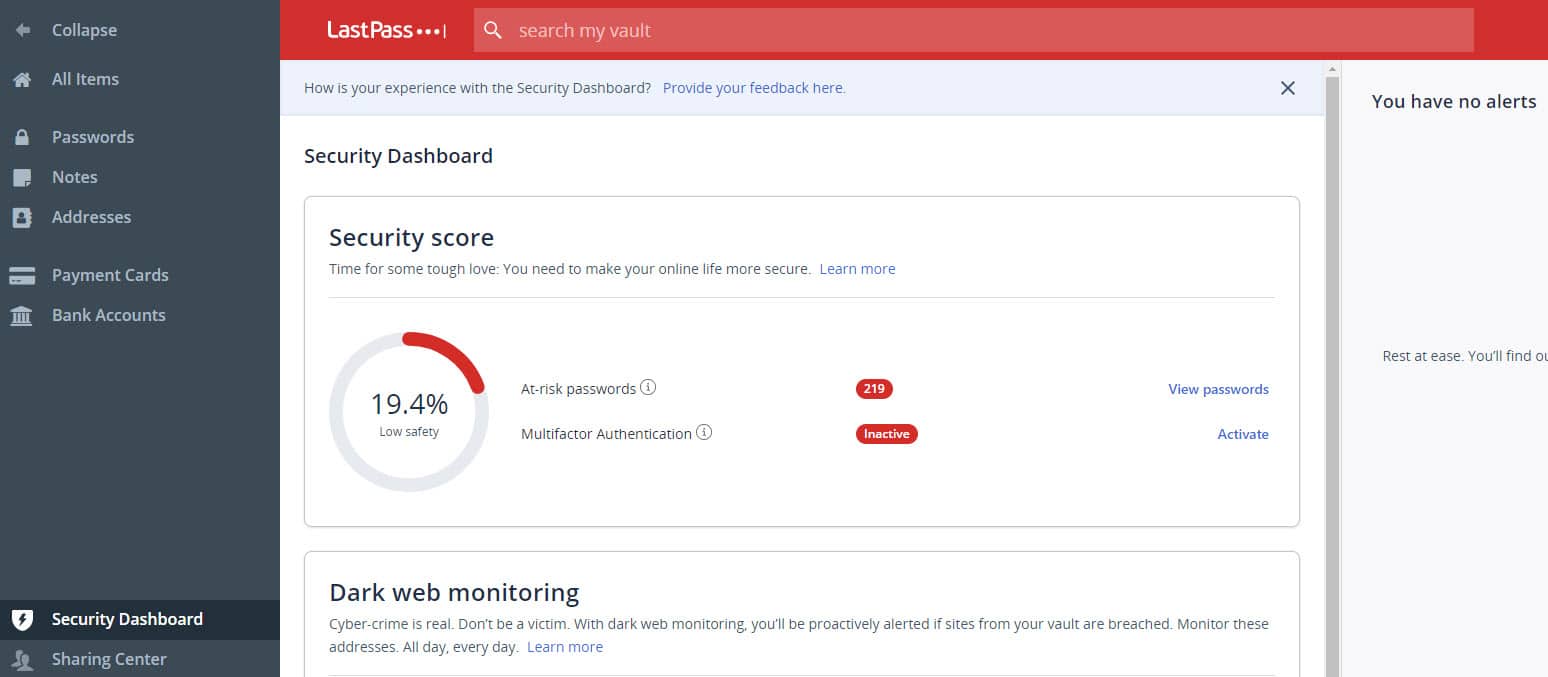
Securing your Online accounts: The Importance of Multi-Factor Authentication and How LastPass Can Help

January 7, 2023 Kommands

Why multi-factor authentication (MFA) is important and how LastPass can help: Protecting personal information…

Load More

Recent Posts

  • PowerShell Script to Remove Known Harmful and Unnecessary Chrome & Edge Extensions
  • Listing Installed Applications in Windows Using PowerShell
  • Removing Bloatware and Useless Apps from Windows Using PowerShell
  • 50 AI Prompts for PowerShell: Automate, Debug, and Boost Your Scripts
  • 100 Most Useful AI Prompts You Should Be Using Today

Categories

  • Active Directory (8)
  • AI Prompts (7)
  • blogs (2)
  • Cloud (15)
  • Command Prompt (43)
  • Featured Products (14)
  • Group Policy (2)
  • Home (43)
  • How To (17)
  • Network (2)
  • Office 365 (4)
  • OS (15)
  • Outlook (3)
  • Powershell (41)
  • Programing (8)
  • Server (5)
  • Windows (66)
  • Windows OS (30)
  • Epstein-linked longevity guru Peter Attia leaves David Protein, and his own startup ‘won’t comment’
  • India’s Varaha bags $20M to scale carbon removal from the Global South
  • The Minneapolis tech community holds strong during ‘tense and difficult time’
  • Intel will start making GPUs, a market dominated by Nvidia 
  • YC startups can now receive investment in stablecoin

Our Featured Posts

PowerShell Script to Remove Known Harmful and Unnecessary Chrome & Edge Extensions

What this script does Requirements PowerShell Script What This Script..

Listing Installed Applications in Windows Using PowerShell

Before removing software, auditing security risks, or troubleshooting performance issues,..

Removing Bloatware and Useless Apps from Windows Using PowerShell

New Windows computers often come with unnecessary applications preinstalled. These..

50 AI Prompts for PowerShell: Automate, Debug, and Boost Your Scripts

1. Writing PowerShell Scripts 2. Debugging & Troubleshooting 3. Automation..

Kommands Newsletter — Stay Updated

By submitting your email address you agree to our Terms & Conditions and Privacy Policy.

Follow Us

  • Twitter
  • Facebook
  • LinkedIn
  • Instagram

  • Home
  • About Us
  • Contact Us
  • Disclaimer
  • Write For Us
Copyright Kommands.com © All right reserved