Skip to content
Follow us

Kommands.com

Latest Technology Topics and Solutions
  • Home
  • OS
    • Windows
      • Powershell
      • Command Prompt
  • Cloud
  • Programing
  • How To
  • AI Prompts

Using WMIC to Get the Identifying Number for a Software Product

September 8, 2020 Kavya P

The Windows Management Instrumentation Command-Line (WMIC) is a powerful tool that allows you to…
Using a Batch File to Lock, Sleep, Restart, and Shut Down a Computer

September 8, 2020 Maria L

A batch file is a simple text file that contains a list of commands…

Using the ‘Shutdown’ Command to Shutdown, Restart, and Cancel Pending Commands in Windows

September 8, 2020 Maria L

The “Shutdown” command in Windows allows you to shutdown, restart, or log off the…
Command Line Techniques for Managing Domain User Accounts and Groups

September 8, 2020 Maria L

Managing domain user accounts and groups through PowerShell and Command Prompt is a powerful…
Determining Applied Group Policies in Windows using Command Prompt and PowerShell

June 28, 2020 Pranav T

Windows Group Policy is a powerful feature that allows administrators to centrally manage and…
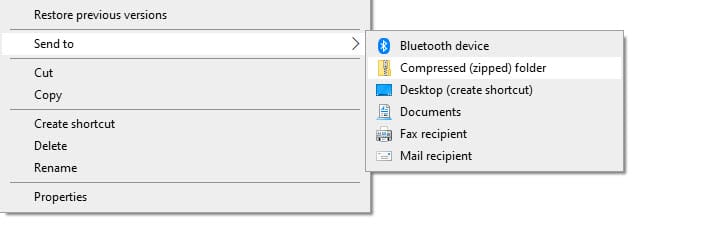
Zipping and Unzipping Files using PowerShell and the Command Prompt

June 13, 2020 Pranav T

Zip files are a convenient way to package and share groups of files. In…
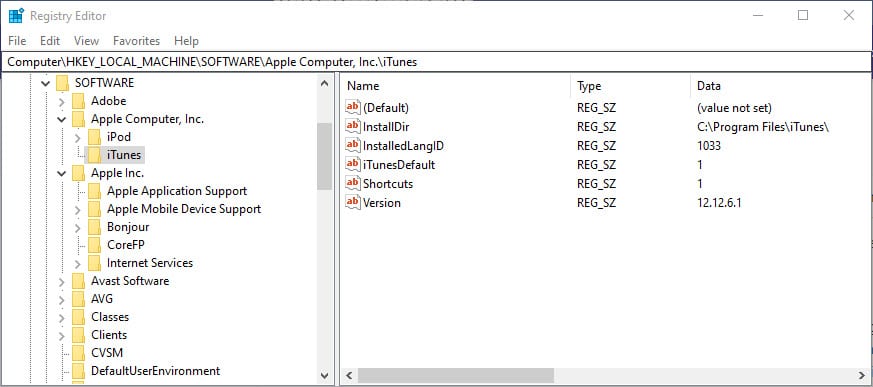
Managing Windows Registry Keys Through Command Prompt and PowerShell: Adding, Removing, and Changing Values

May 20, 2020 Charul R

Managing Windows Registry keys through Command Prompt and PowerShell is a powerful way to…
Setting the PowerShell Execution Policy to ‘Bypass’: A Quick Guide

May 1, 2020 Maria L

The PowerShell execution policy is a security feature that controls the execution of PowerShell…

Managing Registry Keys in PowerShell: Getting, Deleting, and Changing

May 1, 2020 Maria L

The Windows registry is a database that stores configuration settings and options for the…
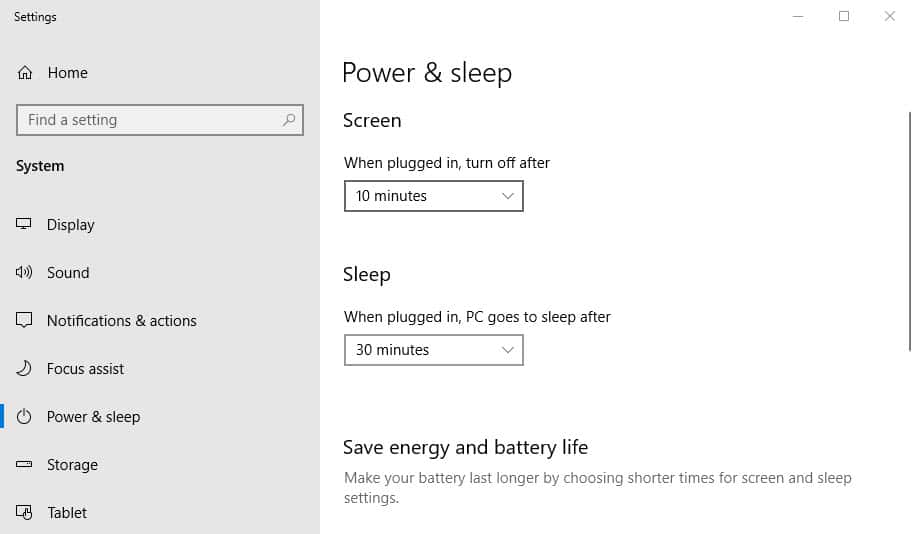
Power Management in Windows: Hibernation, Sleep, and Screen Lock via the Command Prompt

April 9, 2020 Maria L

In this article, we will show you how to use Windows power options to…

Using the Command Prompt to Perform a Quick Repair or Online Repair of Office 365 Applications

August 26, 2019 Pranav T

Office 365 is a subscription-based service that includes a range of applications such as…
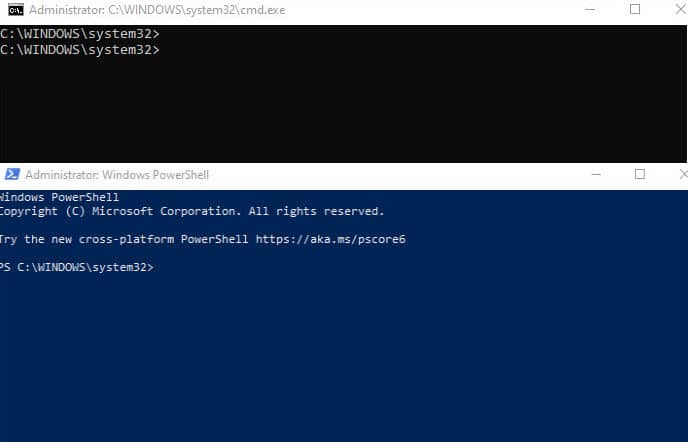
Using PowerShell and the Command Prompt to Create, Modify, and Delete User Accounts

July 28, 2019 Pranav T

Managing user accounts is a common task that is often performed by IT professionals…

Load More

Recent Posts

  • PowerShell Script to Remove Known Harmful and Unnecessary Chrome & Edge Extensions
  • Listing Installed Applications in Windows Using PowerShell
  • Removing Bloatware and Useless Apps from Windows Using PowerShell
  • 50 AI Prompts for PowerShell: Automate, Debug, and Boost Your Scripts
  • 100 Most Useful AI Prompts You Should Be Using Today

Categories

  • Active Directory (8)
  • AI Prompts (7)
  • blogs (2)
  • Cloud (15)
  • Command Prompt (43)
  • Featured Products (14)
  • Group Policy (2)
  • Home (43)
  • How To (17)
  • Network (2)
  • Office 365 (4)
  • OS (15)
  • Outlook (3)
  • Powershell (41)
  • Programing (8)
  • Server (5)
  • Windows (66)
  • Windows OS (30)
  • a16z partner Kofi Ampadu to leave firm after TxO program pause
  • A peek inside Physical Intelligence, the startup building Silicon Valley’s buzziest robot brains
  • OnlyFans considering selling majority stake to Architect Capital
  • OpenClaw’s AI assistants are now building their own social network
  • Informant told FBI that Jeffrey Epstein had a ‘personal hacker’

Our Featured Posts

PowerShell Script to Remove Known Harmful and Unnecessary Chrome & Edge Extensions

What this script does Requirements PowerShell Script What This Script..

Listing Installed Applications in Windows Using PowerShell

Before removing software, auditing security risks, or troubleshooting performance issues,..

Removing Bloatware and Useless Apps from Windows Using PowerShell

New Windows computers often come with unnecessary applications preinstalled. These..

50 AI Prompts for PowerShell: Automate, Debug, and Boost Your Scripts

1. Writing PowerShell Scripts 2. Debugging & Troubleshooting 3. Automation..

Kommands Newsletter — Stay Updated

By submitting your email address you agree to our Terms & Conditions and Privacy Policy.

Follow Us

  • Twitter
  • Facebook
  • LinkedIn
  • Instagram

  • Home
  • About Us
  • Contact Us
  • Disclaimer
  • Write For Us
Copyright Kommands.com © All right reserved