Skip to content
Follow us

Kommands.com

Latest Technology Topics and Solutions

  • Home
  • OS
    • Windows
      • Powershell
      • Command Prompt
  • Cloud
  • Programing
  • How To
  • AI Prompts

Rebooting Windows into Safe Mode Using PowerShell or Command Prompt

November 26, 2025 Kommands

Safe Mode is one of the most reliable ways to troubleshoot Windows issues. When…
How to Install a Software Remotely on a Network Computer

April 30, 2023 Charul R

Installing software remotely on a computer can be a daunting task, especially if you’re…
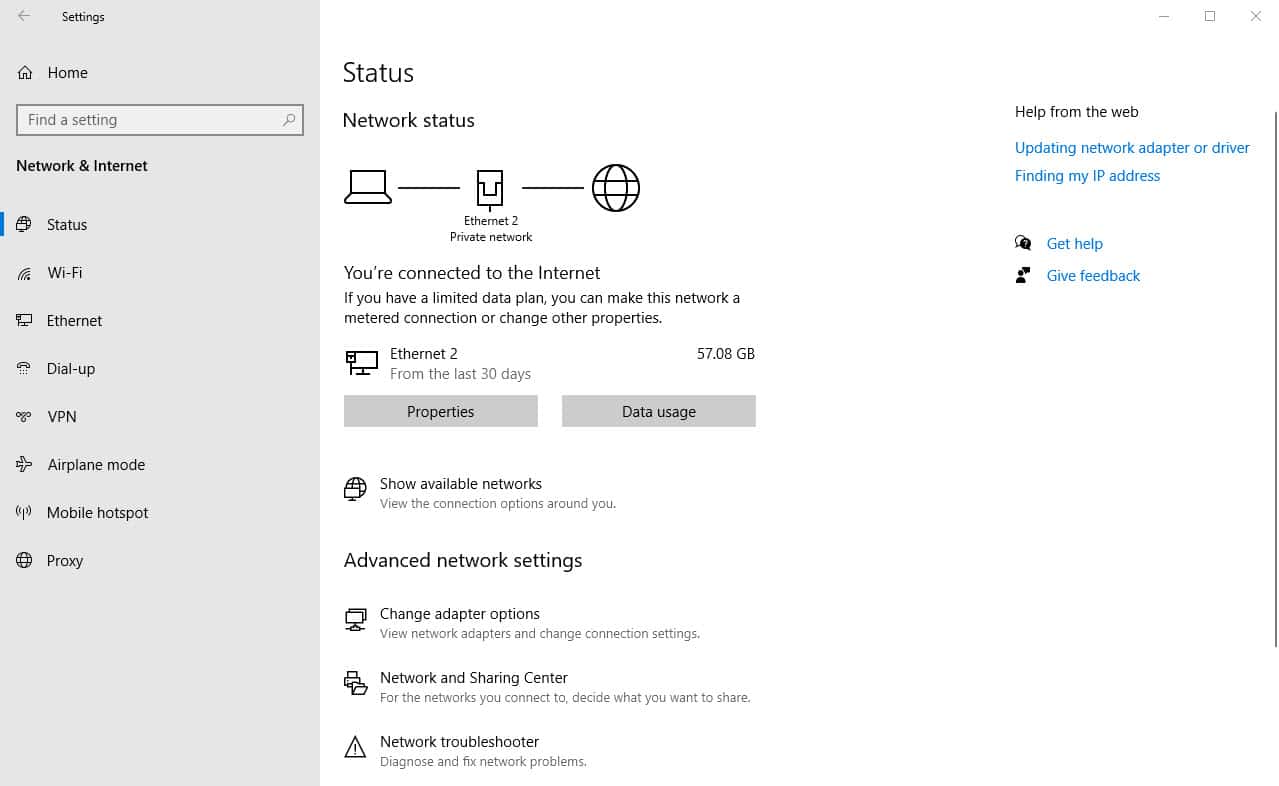
A Guide to Windows Network Adapters and DNS Configuration

February 13, 2023 Pranav T

Overview In Windows networking, setting up DNS settings and managing network adapters are crucial…
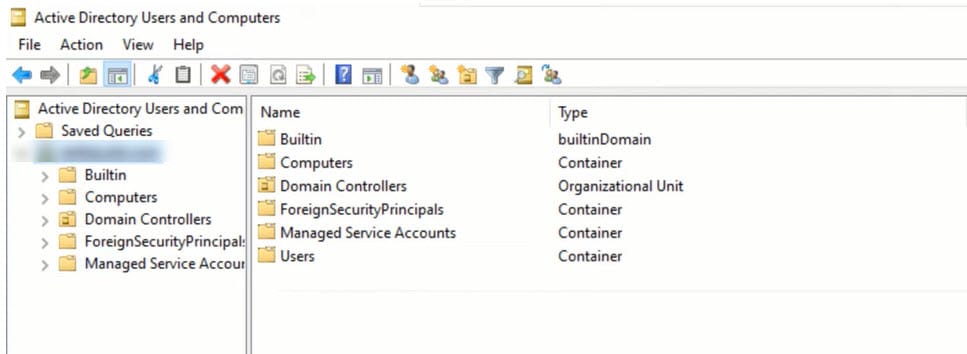
FSMO Roles in Windows Active Directory: An Overview

February 9, 2023 Kavya P

Overview Roles that are particular to one or more domain controllers in a domain…
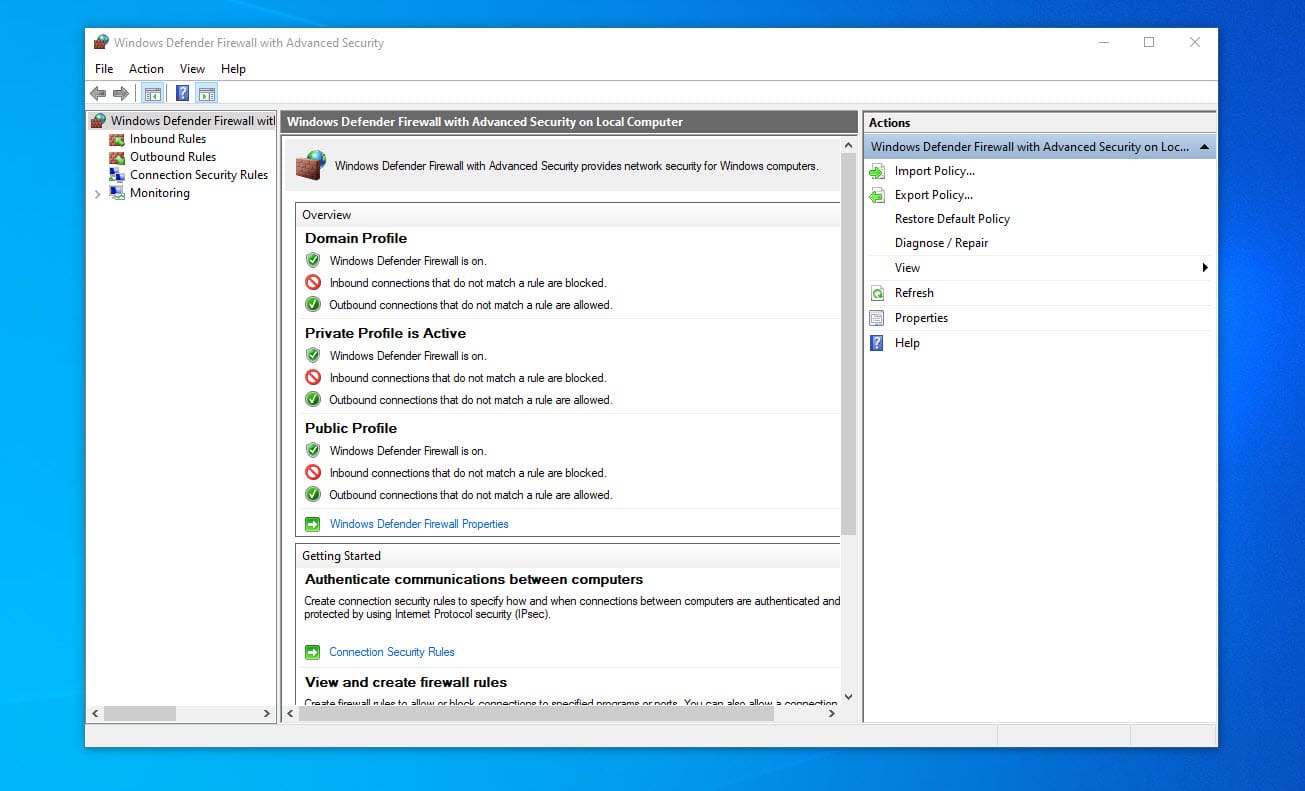
Managing Firewall Rules in Windows

February 9, 2023 Charul R

Overview The firewall rules in Windows are an essential part of online safety. By…
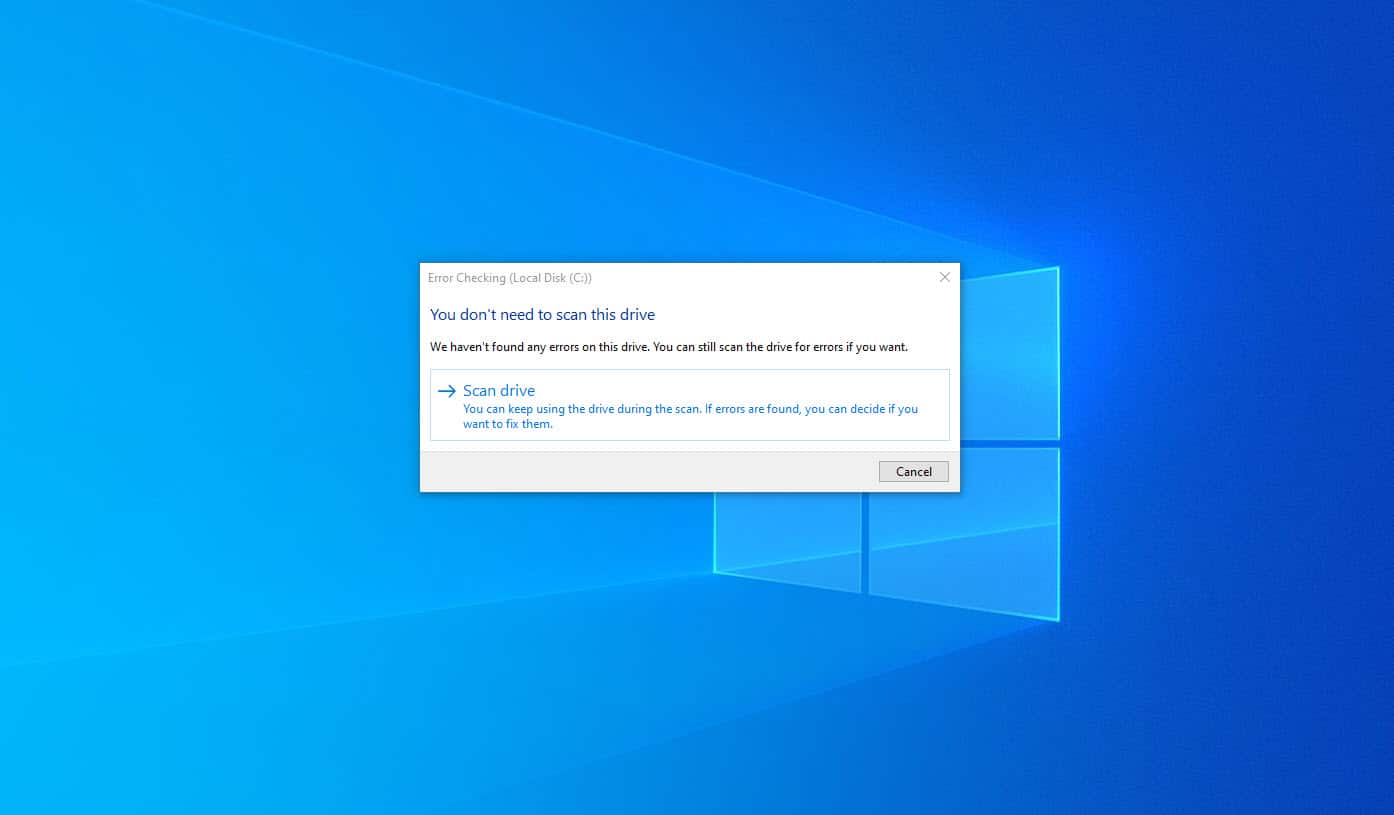
Disk Checking in Windows

February 8, 2023 Kavya P

Overview To preserve your computer’s performance and stability, you must keep the hard disk…
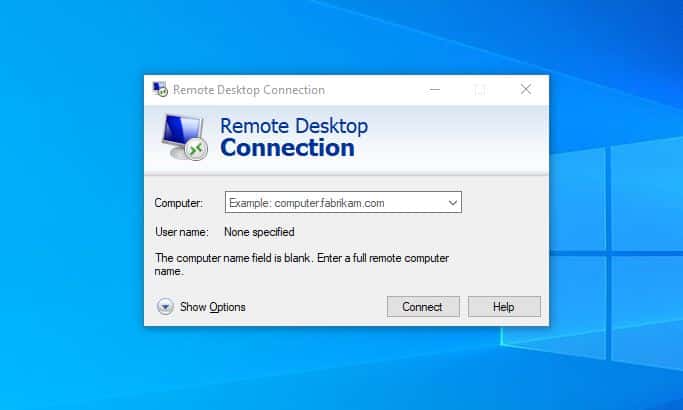
Retrieving Network Level Authentication Status for RDP Connections: Enable RDP

February 8, 2023 Charul R

Overview Network Level Authentication (NLA) is a security feature introduced in Windows Server 2003…
How to Get User Information in Windows Using WMIC

February 7, 2023 Charul R

In Windows, obtaining information about the users on the system can be done using…

Managing Network Configuration in Windows through Command Line

February 7, 2023 Kavya P

Overview Windows has a strong tool called the Command Prompt that you may use…
Retrieving Logical Disk Info with WMIC in Windows

February 7, 2023 Kavya P

Overview It’s crucial to maintain track of the drives and the data they contain…

Understanding Windows BitLocker: The Importance of Encrypting Your Hard Drive

February 7, 2023 Kavya P

Overview Windows operating systems come with a full-disk encryption capability called BitLocker. It is…
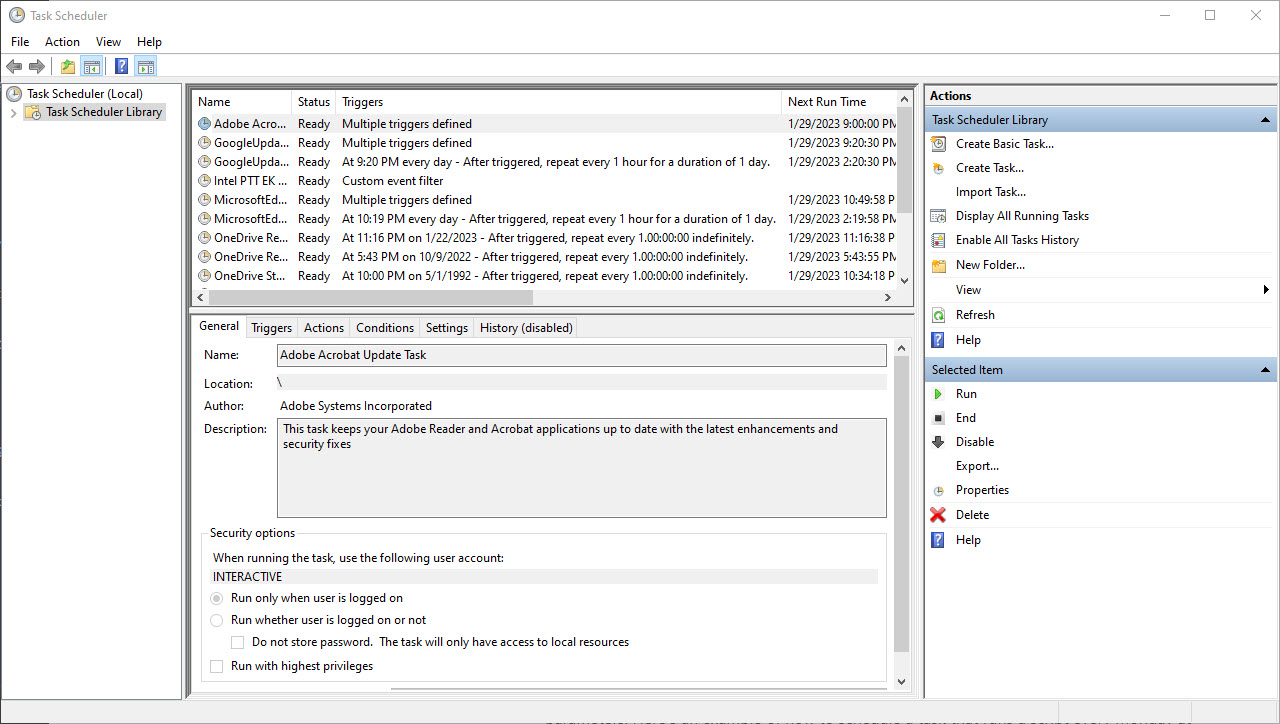
A Guide to Managing Windows Scheduled Tasks

February 3, 2023 Charul R

Overview Windows Scheduled Tasks is a built-in tool in Windows that allows you to…

Load More

Recent Posts

  • PowerShell Script to Remove Known Harmful and Unnecessary Chrome & Edge Extensions
  • Listing Installed Applications in Windows Using PowerShell
  • Removing Bloatware and Useless Apps from Windows Using PowerShell
  • 50 AI Prompts for PowerShell: Automate, Debug, and Boost Your Scripts
  • 100 Most Useful AI Prompts You Should Be Using Today

Categories

  • Active Directory (8)
  • AI Prompts (7)
  • blogs (2)
  • Cloud (15)
  • Command Prompt (43)
  • Featured Products (14)
  • Group Policy (2)
  • Home (43)
  • How To (17)
  • Network (2)
  • Office 365 (4)
  • OS (15)
  • Outlook (3)
  • Powershell (41)
  • Programing (8)
  • Server (5)
  • Windows (66)
  • Windows OS (30)
  • Elon Musk teases a new image-labeling system for X…we think?
  • SpaceX is coming to the public markets, and secondaries are already on fire
  • AI security startup Outtake raises $40M from Iconiq, Satya Nadella, Bill Ackman, and other big names
  • Tesla profit tanked 46% in 2025
  • ServiceNow inks another AI partnership, this time with Anthropic

Our Featured Posts

PowerShell Script to Remove Known Harmful and Unnecessary Chrome & Edge Extensions

What this script does Requirements PowerShell Script What This Script..

Listing Installed Applications in Windows Using PowerShell

Before removing software, auditing security risks, or troubleshooting performance issues,..

Removing Bloatware and Useless Apps from Windows Using PowerShell

New Windows computers often come with unnecessary applications preinstalled. These..

50 AI Prompts for PowerShell: Automate, Debug, and Boost Your Scripts

1. Writing PowerShell Scripts 2. Debugging & Troubleshooting 3. Automation..

Kommands Newsletter — Stay Updated

By submitting your email address you agree to our Terms & Conditions and Privacy Policy.

Follow Us

  • Twitter
  • Facebook
  • LinkedIn
  • Instagram

  • Home
  • About Us
  • Contact Us
  • Disclaimer
  • Write For Us
Copyright Kommands.com © All right reserved