
Rebooting Windows into Safe Mode Using PowerShell or Command Prompt
Safe Mode is one of the most reliable ways to troubleshoot Windows issues. When a system won’t behave normally, booting..
Latest Technology Topics and Solutions
Safe Mode is one of the most reliable ways to troubleshoot Windows issues. When a system won’t behave normally, booting..
Installing software remotely on a computer can be a daunting task, especially if you’re working with multiple devices. However, with..
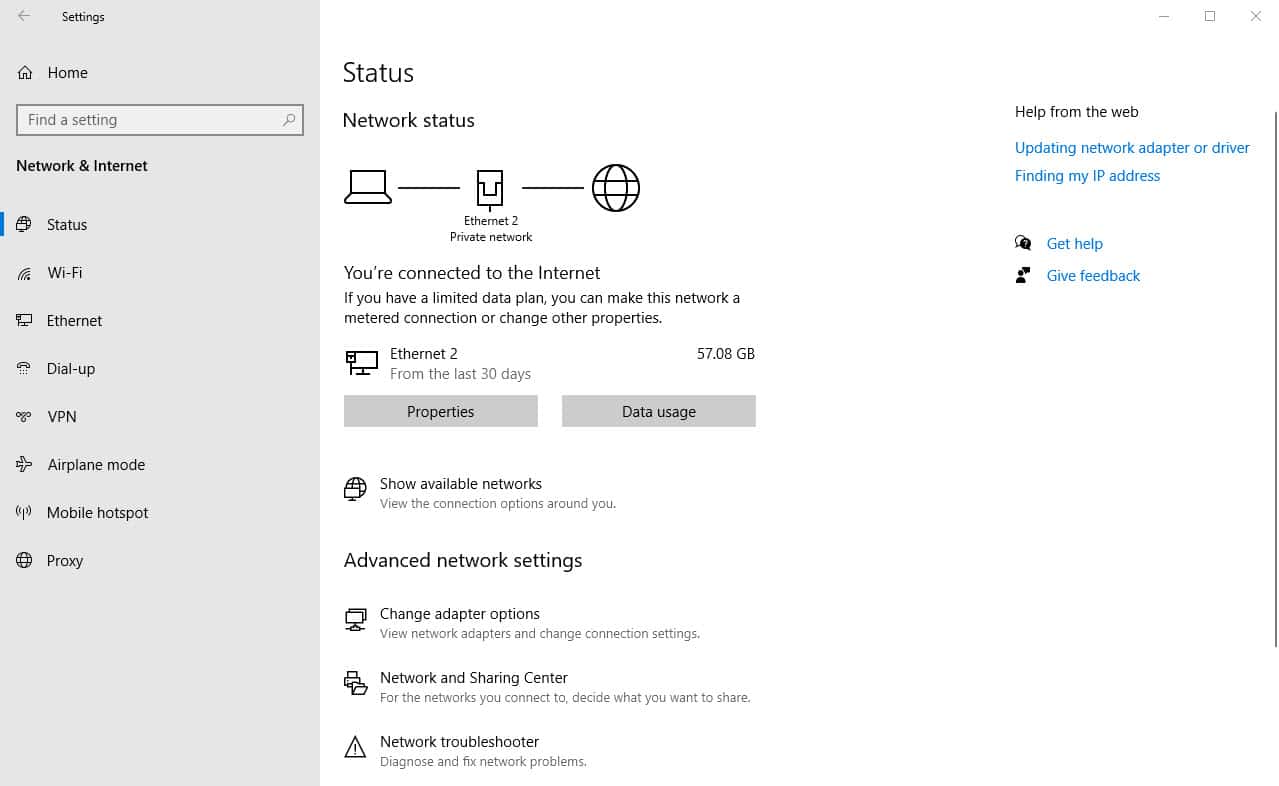
Overview In Windows networking, setting up DNS settings and managing network adapters are crucial chores. Understanding how to work with..
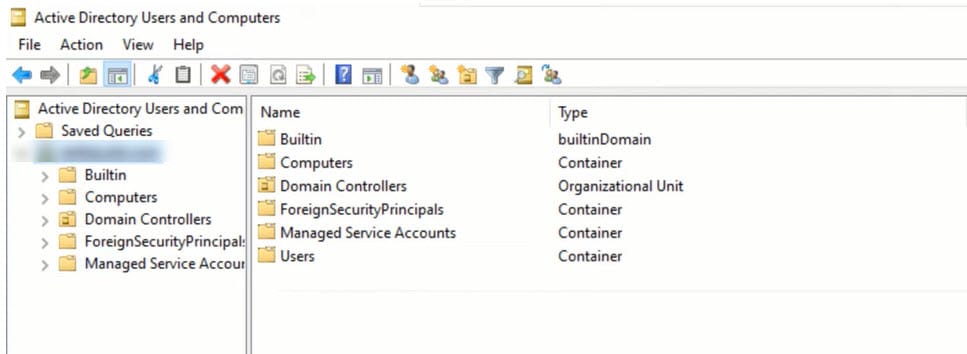
Overview Roles that are particular to one or more domain controllers in a domain are called Flexible Single Master Operation..
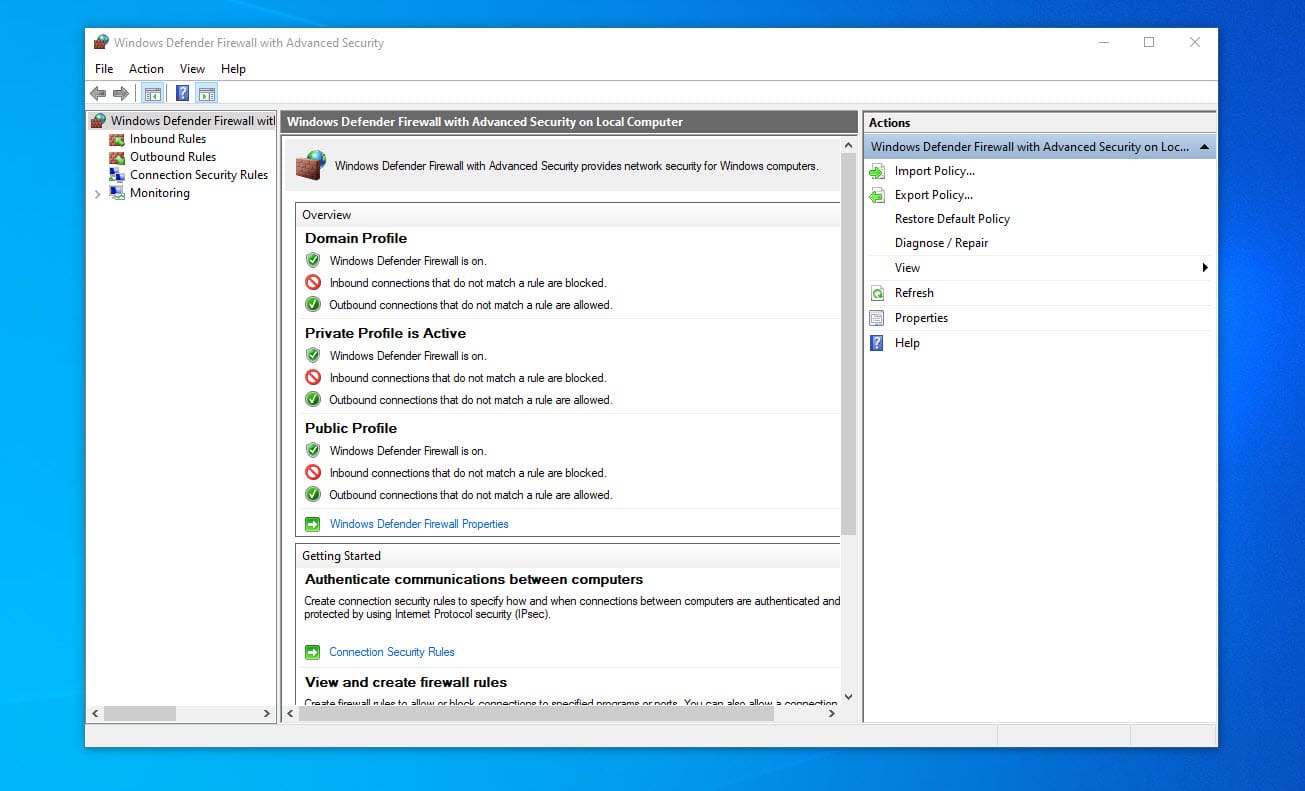
Overview The firewall rules in Windows are an essential part of online safety. By configuring and administering firewall rules, you..
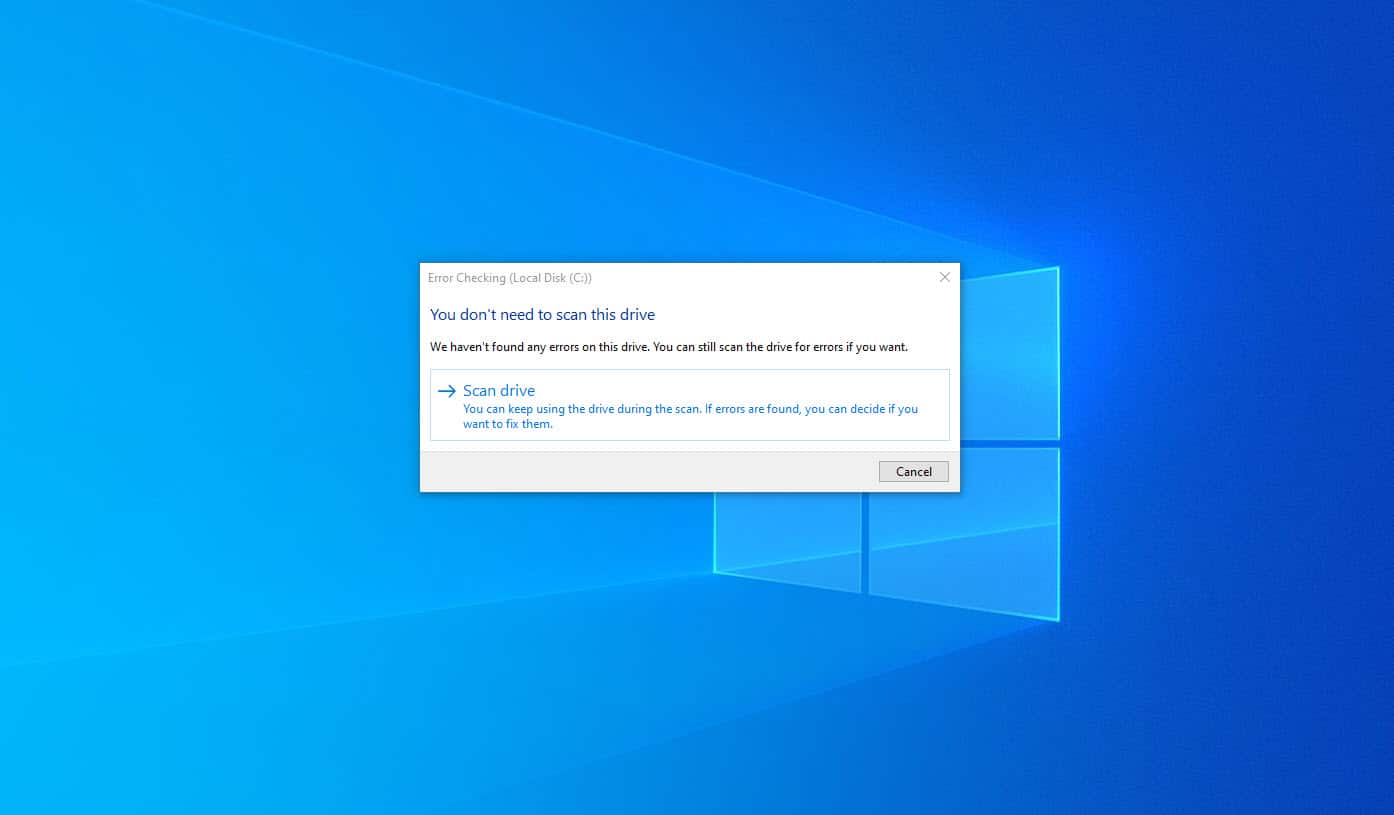
Overview To preserve your computer’s performance and stability, you must keep the hard disk in good shape. Regularly inspecting the..
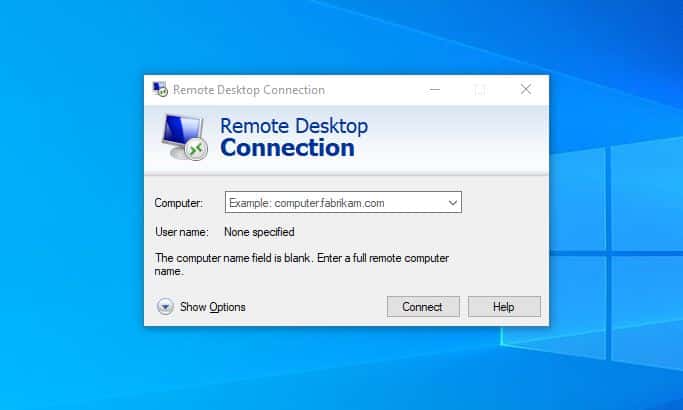
Overview Network Level Authentication (NLA) is a security feature introduced in Windows Server 2003 and Windows XP that requires the..

In Windows, obtaining information about the users on the system can be done using the Windows Management Instrumentation Command-line (WMIC)..


