Skip to content
Follow us

Kommands.com

Latest Technology Topics and Solutions

  • Home
  • OS
    • Windows
      • Powershell
      • Command Prompt
  • Cloud
  • Programing
  • How To
  • AI Prompts

How to View Active Directory Changes from the Last 7 Days with PowerShell

December 31, 2025 Kommands

Auditing recent changes in Active Directory is essential for troubleshooting, security reviews, and general…

Rebooting Windows into Safe Mode Using PowerShell or Command Prompt

November 26, 2025 Kommands

Safe Mode is one of the most reliable ways to troubleshoot Windows issues. When…
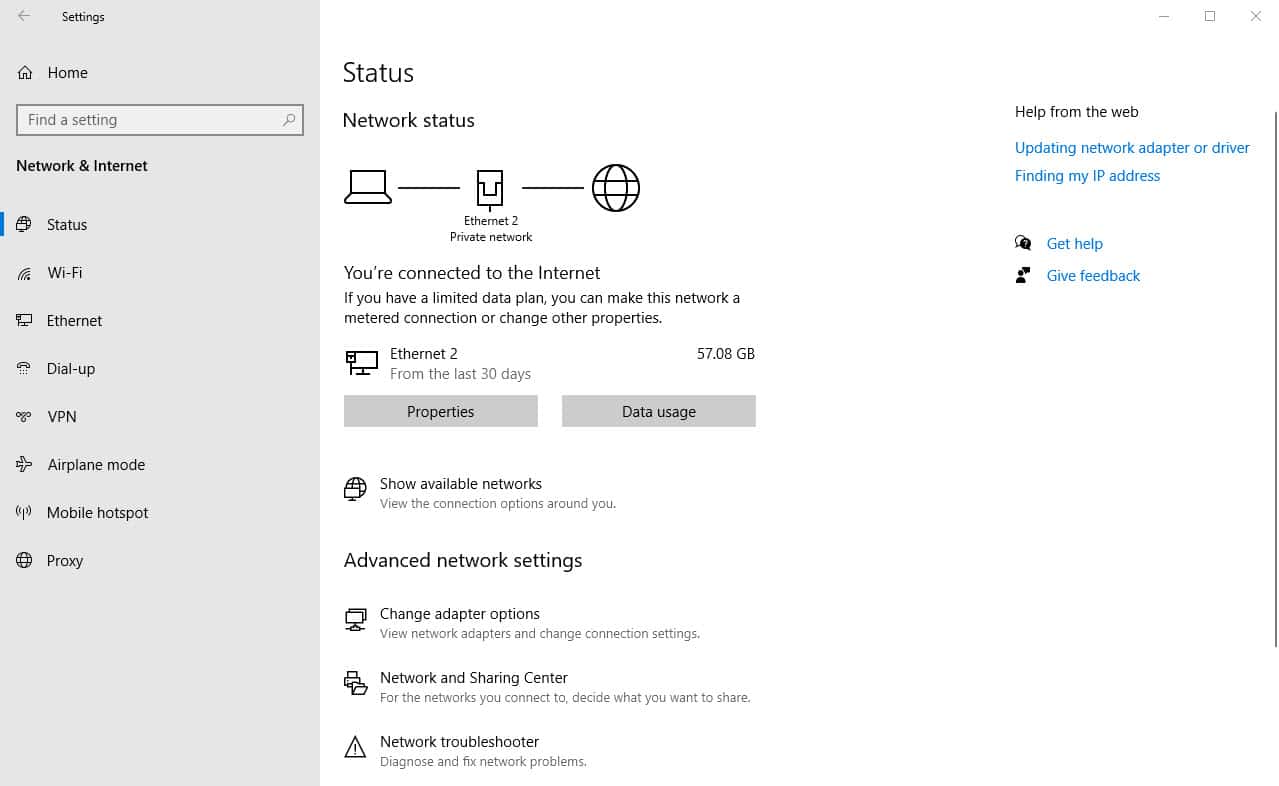
A Guide to Windows Network Adapters and DNS Configuration

February 13, 2023 Pranav T

Overview In Windows networking, setting up DNS settings and managing network adapters are crucial…
How to Solve Slow DNS Lookups

February 12, 2023 Rahul S

OverviewSlow DNS lookups can be frustrating. It causes web pages to load slowly and…

Understanding the Windows Logon Batch File and Its Uses

February 11, 2023 Charul R

Overview Every time a person login onto their computer, the logon batch file—a script…
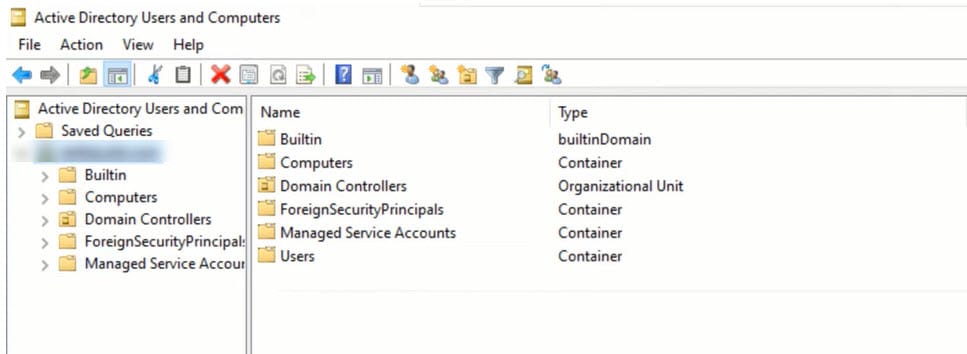
FSMO Roles in Windows Active Directory: An Overview

February 9, 2023 Kavya P

Overview Roles that are particular to one or more domain controllers in a domain…
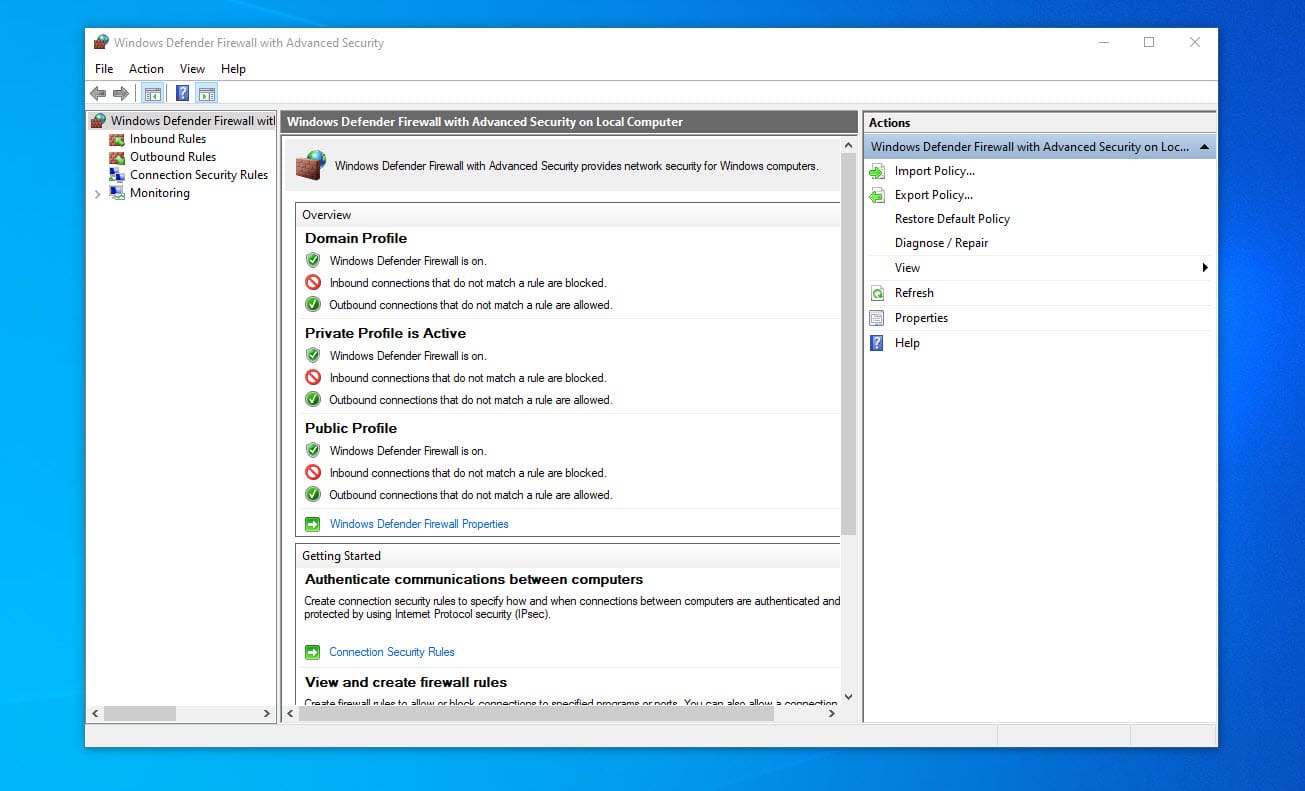
Managing Firewall Rules in Windows

February 9, 2023 Charul R

Overview The firewall rules in Windows are an essential part of online safety. By…
Managing Folder Permissions with PowerShell: A Guide for Windows Users

February 9, 2023 Kavya P

Overview Permissions in Windows control who can access and edit files and folders. PowerShell…
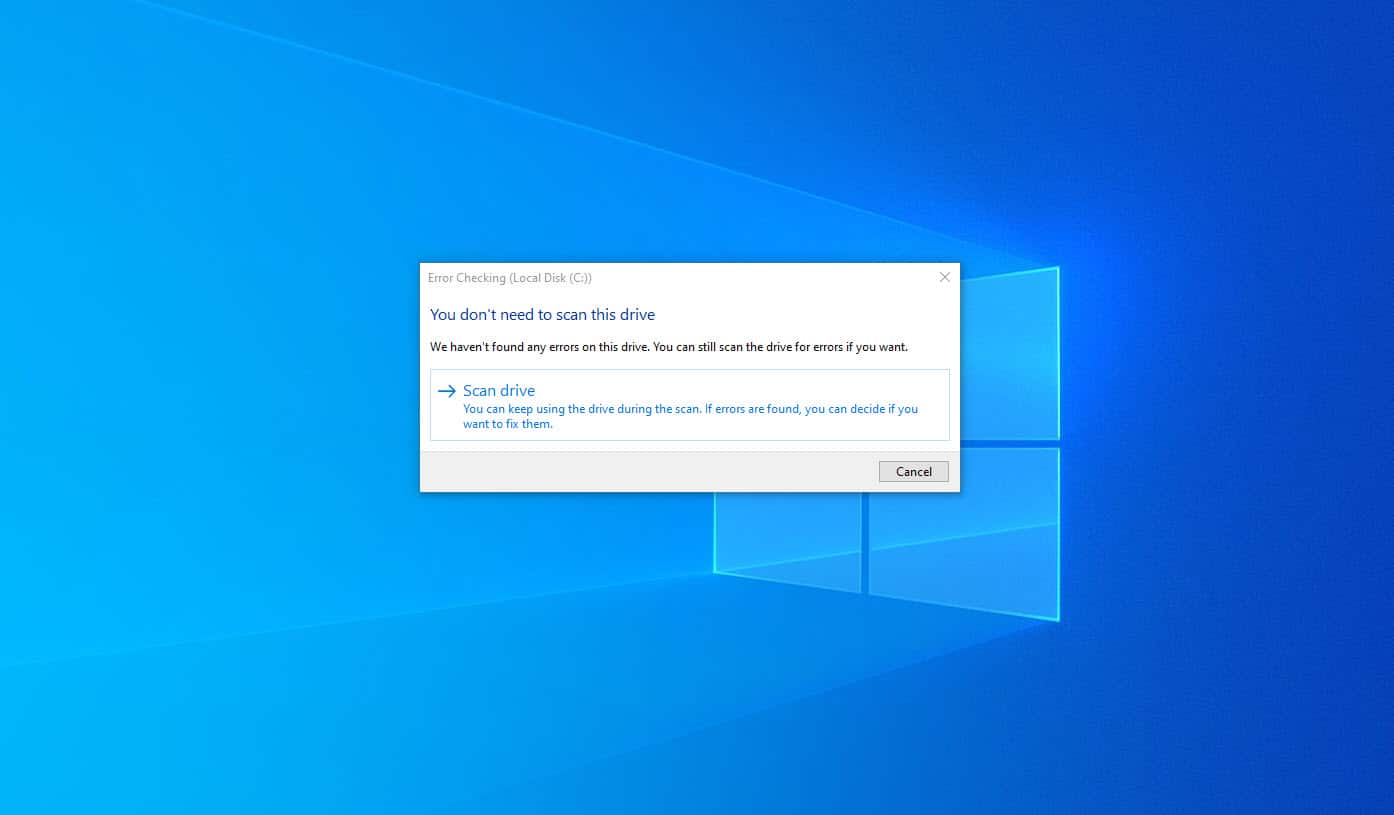
Disk Checking in Windows

February 8, 2023 Kavya P

Overview To preserve your computer’s performance and stability, you must keep the hard disk…

Retrieving Network Level Authentication Status for RDP Connections: Enable RDP

February 8, 2023 Charul R

Overview Network Level Authentication (NLA) is a security feature introduced in Windows Server 2003…

How to Get User Information in Windows Using WMIC

February 7, 2023 Charul R

In Windows, obtaining information about the users on the system can be done using…

Managing Network Configuration in Windows through Command Line

February 7, 2023 Kavya P

Overview Windows has a strong tool called the Command Prompt that you may use…

Load More

Recent Posts

  • 50 AI Prompts for PowerShell: Automate, Debug, and Boost Your Scripts
  • 100 Most Useful AI Prompts You Should Be Using Today
  • Finding Inactive Users and Computers in Active Directory (30-Day Check-In Report)
  • How to View Active Directory Changes from the Last 7 Days with PowerShell
  • How to Check Active Directory Health with PowerShell: Automated Multi-DC Report

Categories

  • Active Directory (8)
  • AI Prompts (7)
  • blogs (2)
  • Cloud (15)
  • Command Prompt (43)
  • Featured Products (14)
  • Group Policy (2)
  • Home (40)
  • How To (17)
  • Network (2)
  • Office 365 (4)
  • OS (13)
  • Outlook (3)
  • Powershell (38)
  • Programing (8)
  • Server (5)
  • Windows (63)
  • Windows OS (27)

Our Featured Posts

50 AI Prompts for PowerShell: Automate, Debug, and Boost Your Scripts

1. Writing PowerShell Scripts 2. Debugging & Troubleshooting 3. Automation..

100 Most Useful AI Prompts You Should Be Using Today

Artificial Intelligence has transformed the way we work, create, and..

Finding Inactive Users and Computers in Active Directory (30-Day Check-In Report)

Inactive users and computers are a common security and housekeeping..

How to View Active Directory Changes from the Last 7 Days with PowerShell

Auditing recent changes in Active Directory is essential for troubleshooting,..

Kommands Newsletter — Stay Updated

By submitting your email address you agree to our Terms & Conditions and Privacy Policy.

Follow Us

  • Twitter
  • Facebook
  • LinkedIn
  • Instagram

  • Home
  • About Us
  • Contact Us
  • Disclaimer
  • Write For Us
Copyright Kommands.com © All right reserved